When you create an iOS build of a project, does it export everything you will need for your IOS app? I imported my build into another iOS app but I’m missing some files. I appreciate any feedback.
Yes and no. There’s an option to symlink (or relative directory-access? I forget exactly…) parts of the Unity engine, so you don’t end up making copies of big libraries all over your system in every project. Check the Player settings…
I don’t see any options for this in player settings but I can recheck. I tried dragging my asset folder into the newly created build file but that didn’t work. Even importing every asset by hand wasn’t working and very tedious, I must be missing something.
Are the files missing or just mis-linked?
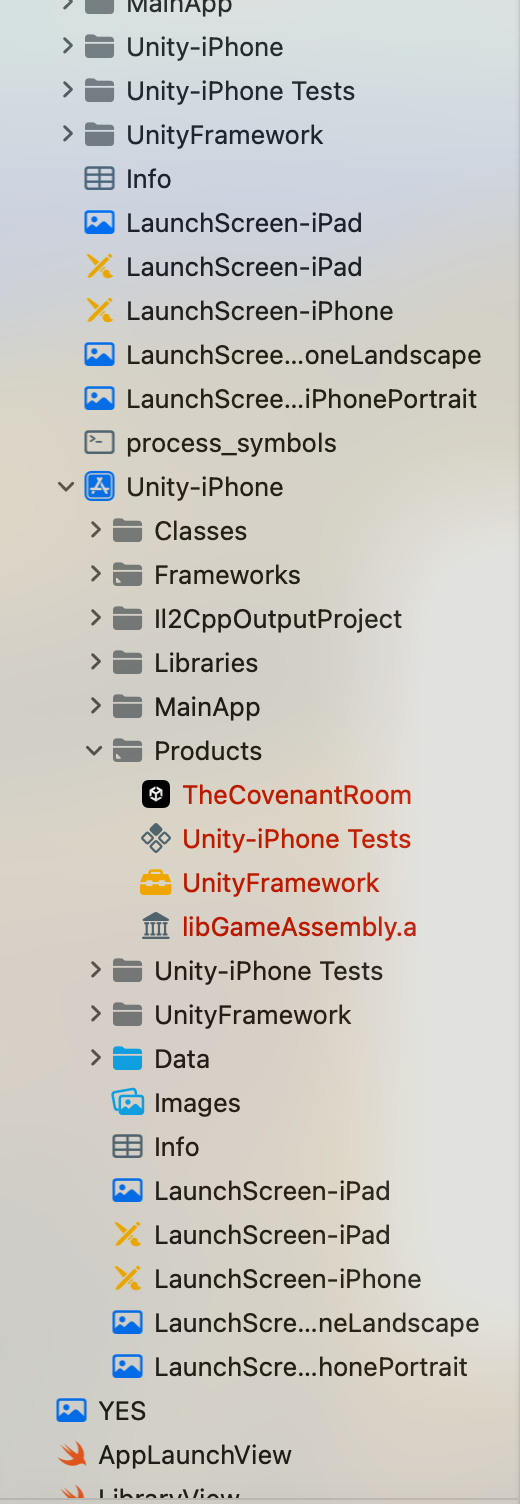
I do lightweight XCode development as well and I noticed when I upgraded to Sonoma recently, I got a handful of stray red files… I just need to re-insert them in the project. Something about them angered XCode and it refused to consider them until I re-added them afresh, updating the Xcode project.
Products is the build folder, it’s where XCode puts stuff when you build.
Is there an actual error in XCode that is stopping you from building?
The error is “No such Module Unity Framework”, despite me setting my targets and adding the framework.framework to my project.
What Unity version are you using?
The latest version I believe as I just installed it a few days ago.

Your project structure looks weird, it seems like you have two project hierarchies in one. Not sure why you have two sets of Launchscreens. It seems like you have a project nested inside another one
Try making a new build in a completely new folder.
In any case, the product folder looking like that has nothing to do with this, it’s normal.

I did import one project into another. I’m trying to have my app launch a unity game I made. I think creating a workspace and importing both into that may be best. I appreciate you replying thank you.
I have read that but I’m new at this and must be missing something important. I at least thought my assets would appear in my build folder but it appears to be empty. I tried copying the folder of my assets into it.
What assets and what build folder?
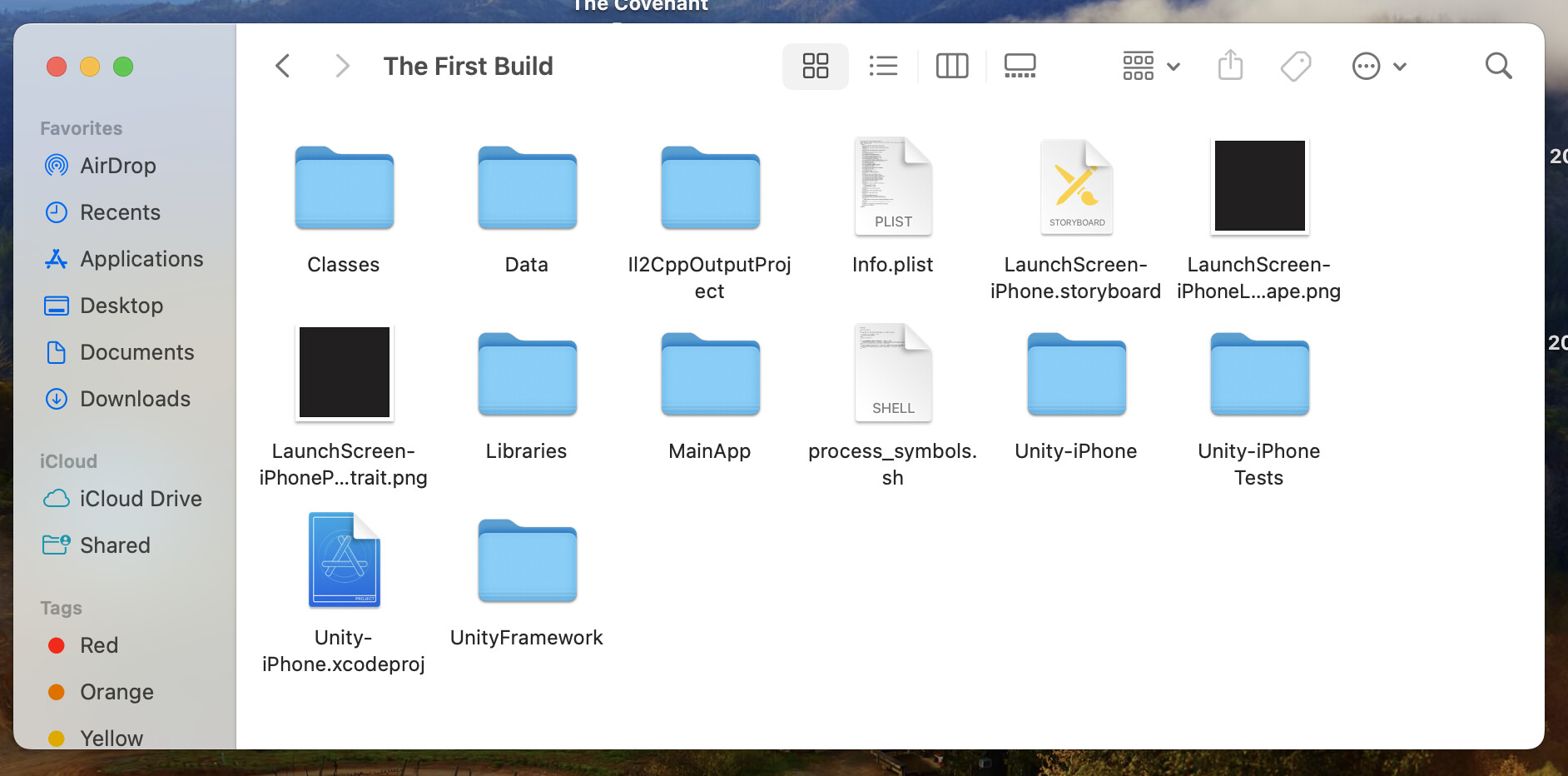
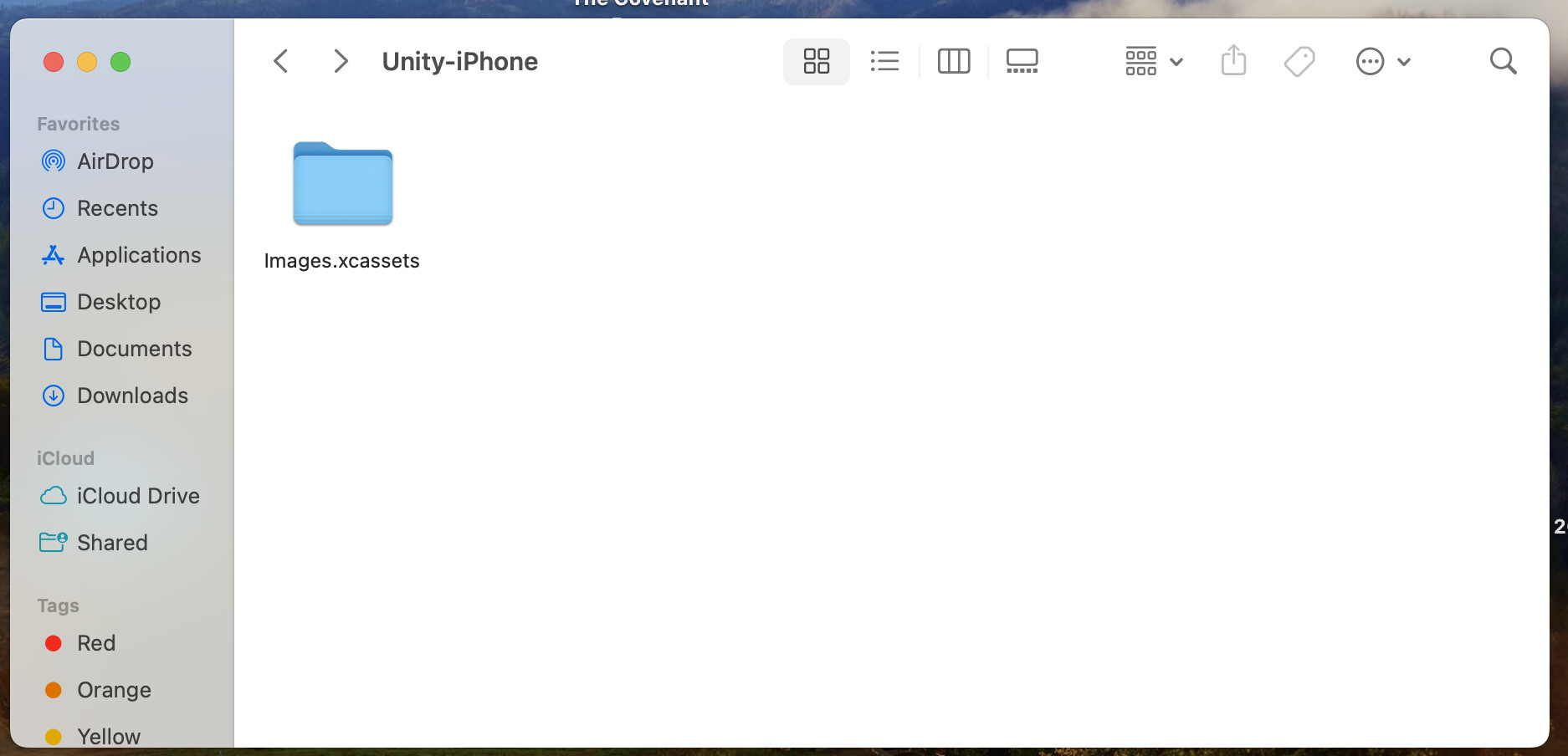

The iOS build folder created when exporting my unity hame.
That looks correct.
I thought I would see images of my 3d models and png images like in my assets folder on my project in unity. If that’s correct then I’m cool with that.
Nope.
Do you think the error: no module unity framework is just related to how my project targets are assigned?