Unity - Real Life Examples (Intermediate & Advanced) tutorials

Hi guys.
I’ve decided to do a series of tutorials for Unity, called Real Life Examples.
In every tutorial i’ll be presenting different ideas of how you can achive something in Unity.
I am not going to explain the basic stuff, so if you are new to Unity, please first go to the “Learn” section in the unity3d.com webSite.

I am not a professional trainer, so please don’t be too critical :slight_smile:

I’ll try to sort the things out in the first post, so everything is together…

Btw. Feel free to ask for tutorials, and if it’s something i am capable of, i’ll do them in a near future…
____________________________________________________________________


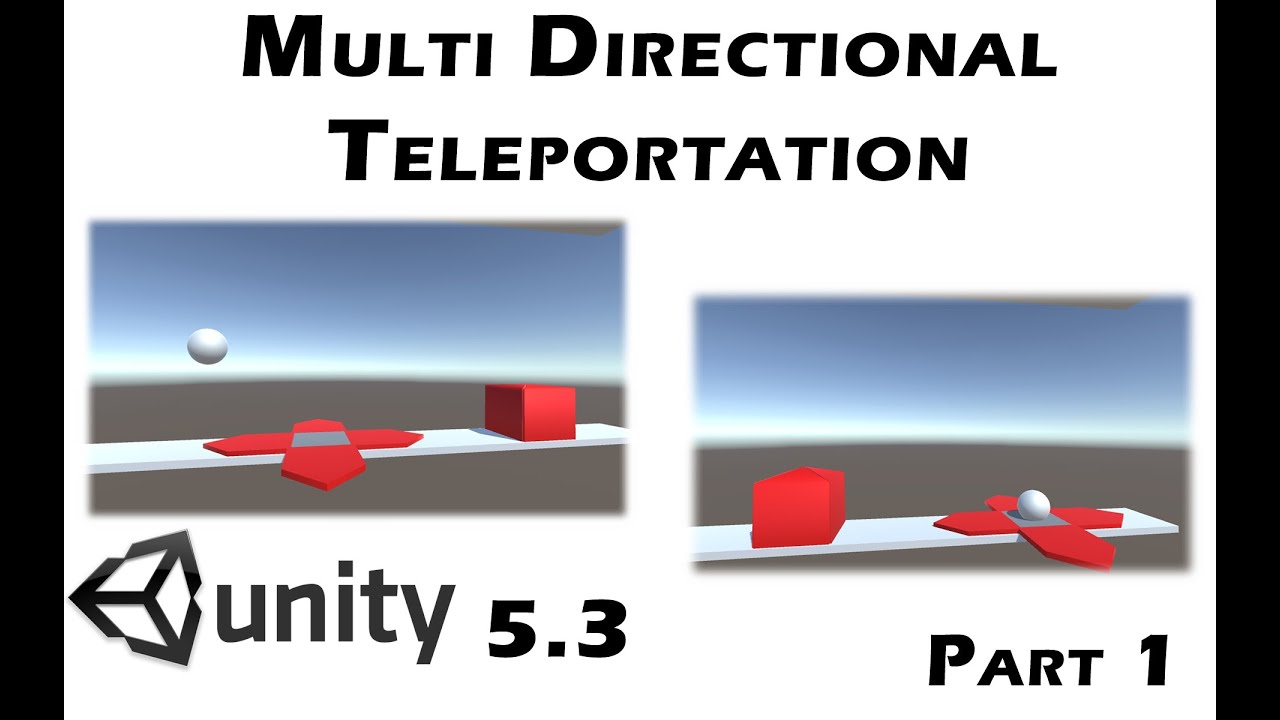
In this tutorial, i will show you how to do multi directional teleportation in Unity, wihtout entering in a cycle.

Part 01:

Part 02:

Part 03:
____________________________________________________________________

Scene Management and Merging

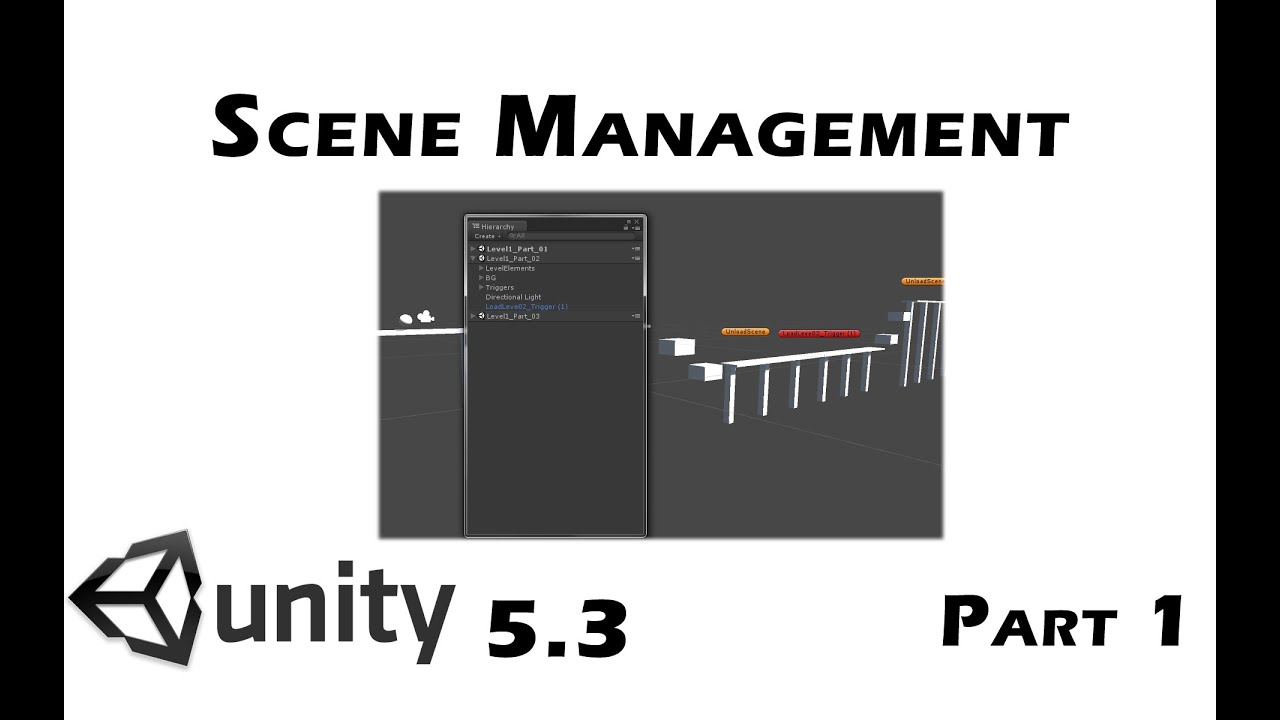
In this tutorial i will explain, how to use Scene Management and merge few scenes into one, while in Runtime. What are the benefits from doing this and how you can create realy huge worlds, without having to show “Loading” or CutScenes, to load the new level.
Part 01:

Part 02
__[u]Part 03__[/u]

____________________________________________________________________
How to make a Scroll Rect snapping to UI Element
**Part 01:**
**Part 02:**

**Part 03:**

____________________________________________________________________
Making Magnet, to Attract and Repel:
Part 01:
Part 02:
____________________________________________________________________
Camera Follow with adjustment of speed based on player’s speed:

Part 01: (Sorry for the sound. It will be okay on the other videos…)

Part 02:
________________________________________________________________________

How to make Mecanim Animation to go faster with Time:

Youtube Video:

Project Files in Description of the youtube video
[u]**________________________________________________________________**[/u]

Randomise Mecanim Animation with Script
Youtube Video:

[u]Project Files in Description of the youtube video[/u]
__[u]______________________________________________________________________[/u]

Mecanim swing animation and randomisation

Youtube Video:

Project Files in Description of the youtube video
[u][u]**________________________________________________________________**[/u][/u]

I hope you’ll like them…

5 Likes

This is a neat idea, a series of little “recipes” focusing on one specific practical task.

1 Like

Thanks. More is coming pretty soon… :slight_smile:

Look like its going to be an interesting series. Looking forward for the others:)
One small question about your animator setup; Do you think it might be possible to use only one blend tree with 6 motion fields that has all the + and - values? Then one blend tree slider would control the +5 to -5 range.
Also, can you share what will you be covering in the following tutorials?

hi gurayg.

As far as i am concerned, mecanim BlendTrees don’t like to have negative values for the animation speed, that’s why i use 2 blendTrees, where one is setUp’d as a -1.

Tutorial 2 added in the first post :slight_smile:

Tutorial 3 added in the first post…

Looks interesting I may check it out over the weekend.
Thank You for sharing your time and knowledge freely.

1 Like

Thanks :slight_smile:

cheers

Hi Guys. No more intros and outros :p. Uploading new videos soon:
Started a Camera Follow tutorial. Second part is coming right away by making the camera to speed up \ slow down to follow player accordingly.

P.S. Sorry for the sound here it’s kinda weird. I have fixed it for the other videos…

cheers :slight_smile:

Aaand part 2 added in the first post.

New Tutorial added in the first post: Making Magnet, to Attract and Repel: Part 01

Making Magnet, to Attract and Repel: Part 02

Hi guys. 3 Mecanim tutorials were re-added in the first post. I have re-uploaded them without intro/outro, so they are clean tutorials now.

Unfortunately i can’t add more than 5 embeded videos in the first post, so i will just add them as links from now on…

Hope you like them…

Helloo…
Another tutorial added in the list:

How to make a Scroll Rect snapping to UI Element

Part 01:
__https://www.youtube.com/watch?v=9B7ahj1kaYs__
Part 02:
__https://www.youtube.com/watch?v=jWbAaBEQpvE__

3 Likes

Part 03 - How to make the buttons move to the side, so you can scroll infinitely…
https://www.youtube.com/watch?v=2m7pnTC0seo

3 Likes

@instruct9r thanx very much for making the 3rd part, this is just what i needed.

1 Like

Hi guys.
In this tutorial i am explaining how the Scene Management and Scene Merging works in Unity 5.3

1 Like