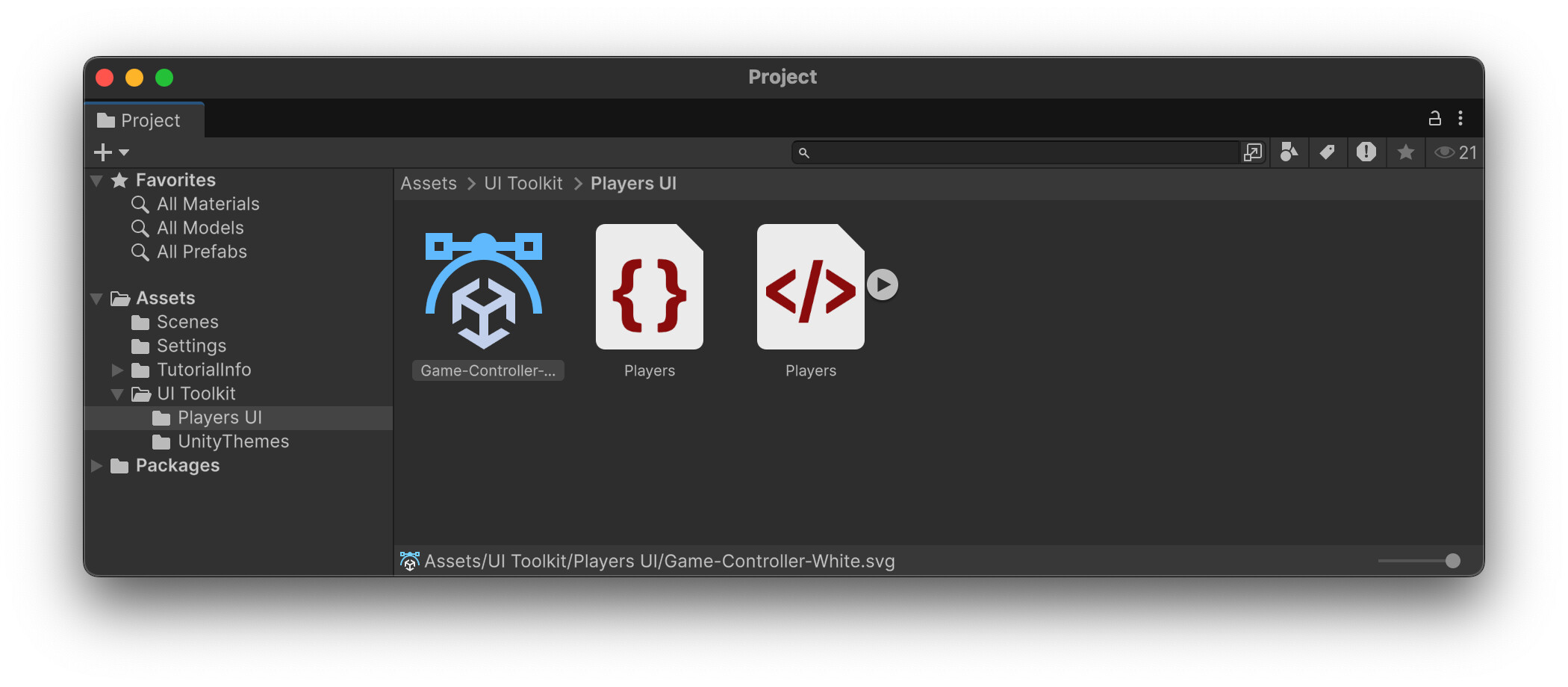
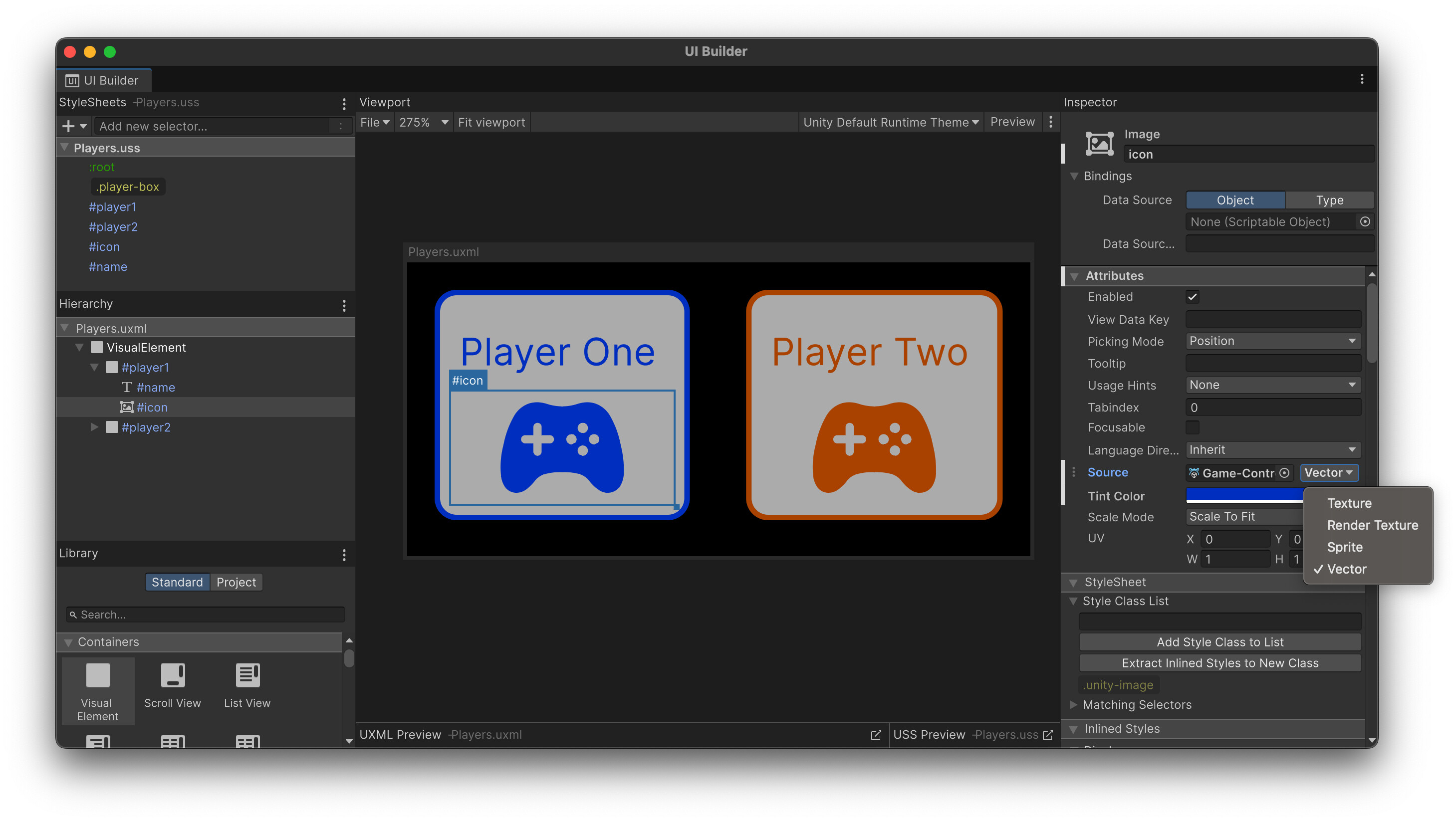
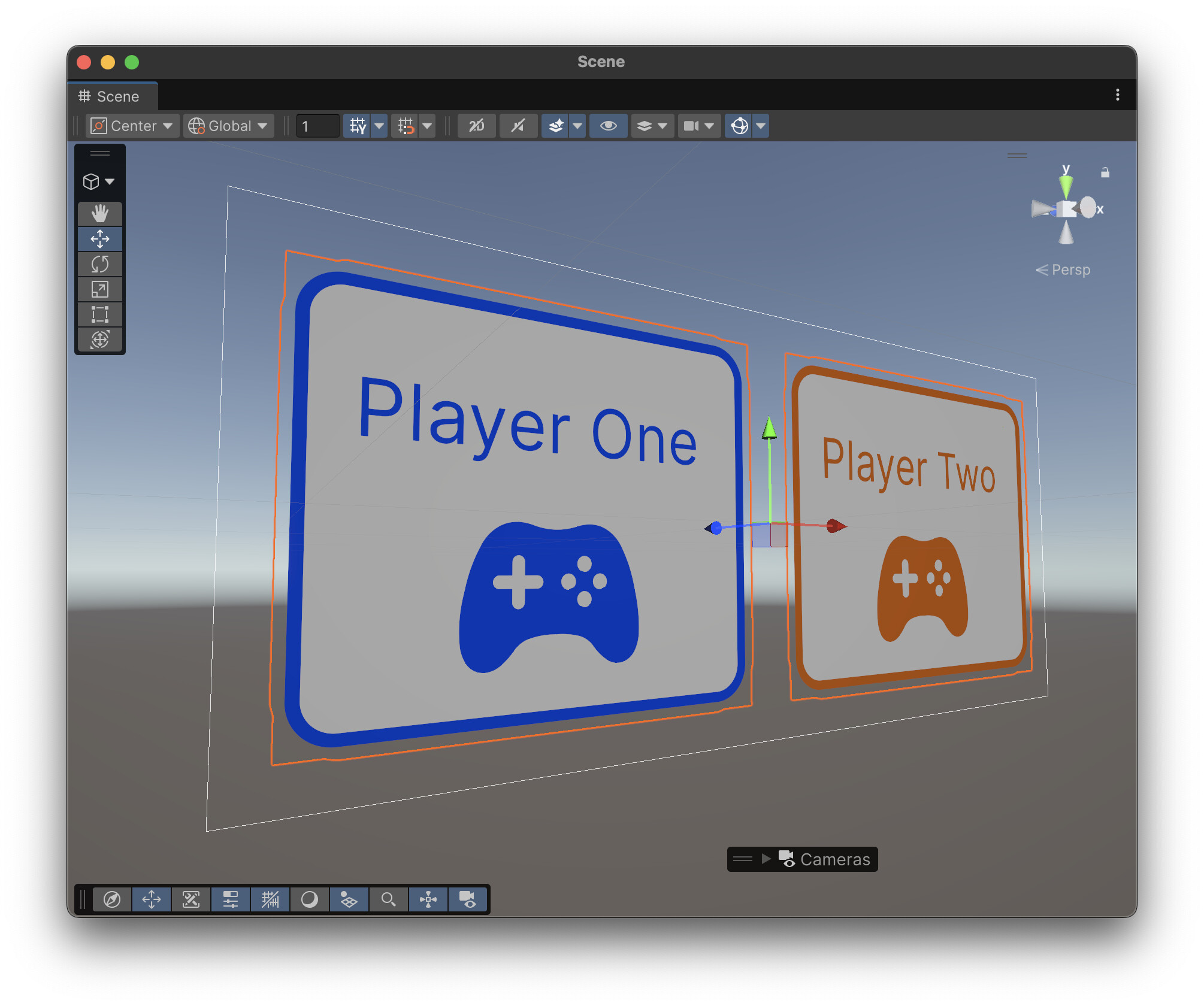
Unity 6.3 introduces native support for importing and rendering SVG files within UI Toolkit, streamlining workflows for building resolution-independent and easily scalable UI assets. With this release, UI elements can remain sharp and consistent across all screen sizes and resolutions, leveraging the UI Toolkit’s Painter2D API for smooth, antialiased rendering.
Vector Graphics Package
The Vector Graphics package is no longer required for using SVG assets in UI Toolkit, as SVG support is now included in the core editor experience. However, it remains available for those who wish to continue using SVG files as 2D Sprites or need advanced vector workflows beyond UI.
Additionally, Unity’s C# API provides powerful options for custom workflows: you can parse SVG files at runtime and generate UI Toolkit Vector Images, Textures, Sprites or standard Unity meshes programmatically. This allows for dynamic vector content and flexible asset manipulation in your projects. For further details and examples, refer to the Unity documentation.
We’re excited to see how you use SVG and UI Toolkit in Unity 6.3! Please share your feedback, ideas, or questions in the comments—your input helps us shape future enhancements and makes our tools better for everyone in the community.
Does it properly support antialiasing?
The main issue with the Vector Graphics package was a lack of any meaningful antialiasing for the vector images used in UI, rendering the SVG assets basically useless unless you target a single resolution for your project.
I’m deep diving into UI Toolkit in my current project and it’s really helping me appreciate the strengths of UI Elements. Very excited for SVG support and other web features coming online in the future
The Vector Image Package will continue to exist. We just moved part of it to core, like the SVG Importer itself, but not everything. It will need to be upgraded to the latest version, but after that, it should continue working as before.
If you were already using VectorImages (the type), and using UI Toolkit, then you should automatically see the antialiasing working.
If you were using Sprites and 2D, that functionality will not change.
I haven’t tried it yet; but as from my understanding SVGs only supported for background-image right? No support in Image element? And, we’re using SVGs for custom shaped masking in our project, will it be still supported?
I have not dug into the API yet but here are some questions after scanning it quickly:
I see in the docs that animations are not supported but I also notice that it seems like in the API we can parse a SVG (create a scene from it) and then access the path contours (as structs?). I wonder if that API would allow doing animations on loaded SVGs or (more presicely) if it was designed with that possibility in mind in terms of memory consumption and performance?
Also if we were to animate the SVG, when in the update cycle would be the ideal time to do so? Using Update() or schedule something on the element or go low level into the payer loop?
You can indeed modify the vector scene representation and re-tessellate into a sprite/vectorimage/mesh using VectorUtils.TessellateScene followed by VectorUtils.BuildSprite, VectorUtils.BuildVectorImage or VectorUtils.FillMesh.
The cost (CPU/Memory) of doing that depends on the complexity of the vector scene, so it would be advisable to extract the static parts into a separate vector scene to avoid useless re-tessellation. There’s also the cost of the new asset generation for Sprites and VectorImage that should be considered. FillMesh will be more performant as the same asset can be reused..
We have no strict recommendation as to when this animation should occurs Update() or scheduling will both work.
@Unity: Could you please disclose your testing suite and how it compares to other popular SVG renderers out there? A Graph like this would be very interesting (with Unity in it of course :D):