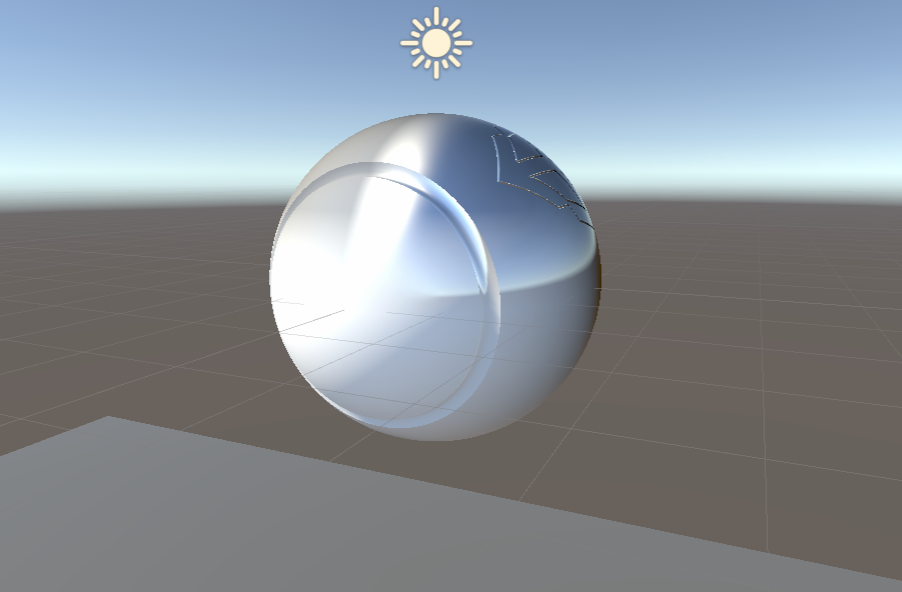
Hello folks!
I am trying to use shader graph to set LIt materials vertex base, metallic, softness colors procedurally.
One Example I was managed to is that I just grab position node and inserted to one by one to the base metallic and softness , everything works fine.
But now I need to control all the vertex mapping with procedural texture and vertex ID .
Sadly, I am having 2 issue to achieve this.
-
cannot access vertex id via shader graph v12.0 vertex variable. It seems it’s a float not an integer.
-
I need to access a texture colors procedurally via vertex id . But so far I have not experienced well with shader graph’s texture pixels access method.
I know that there might be some issue with shader graph to access those method via shader graph. But is there any way to this kind of shader in URP via script ?
So far I did managed to create procedural material mapping by controlling UV map, but after setting every triangle vertices into single pixel area, colors did not fit the are where they supposed to be. Sometimes triangles in right color sometimes completely in different because of UV mapping in a pixel with incorrect mapping.
If there is solution for mapping triangle into a single triangle properly , this would easily solve the condition!