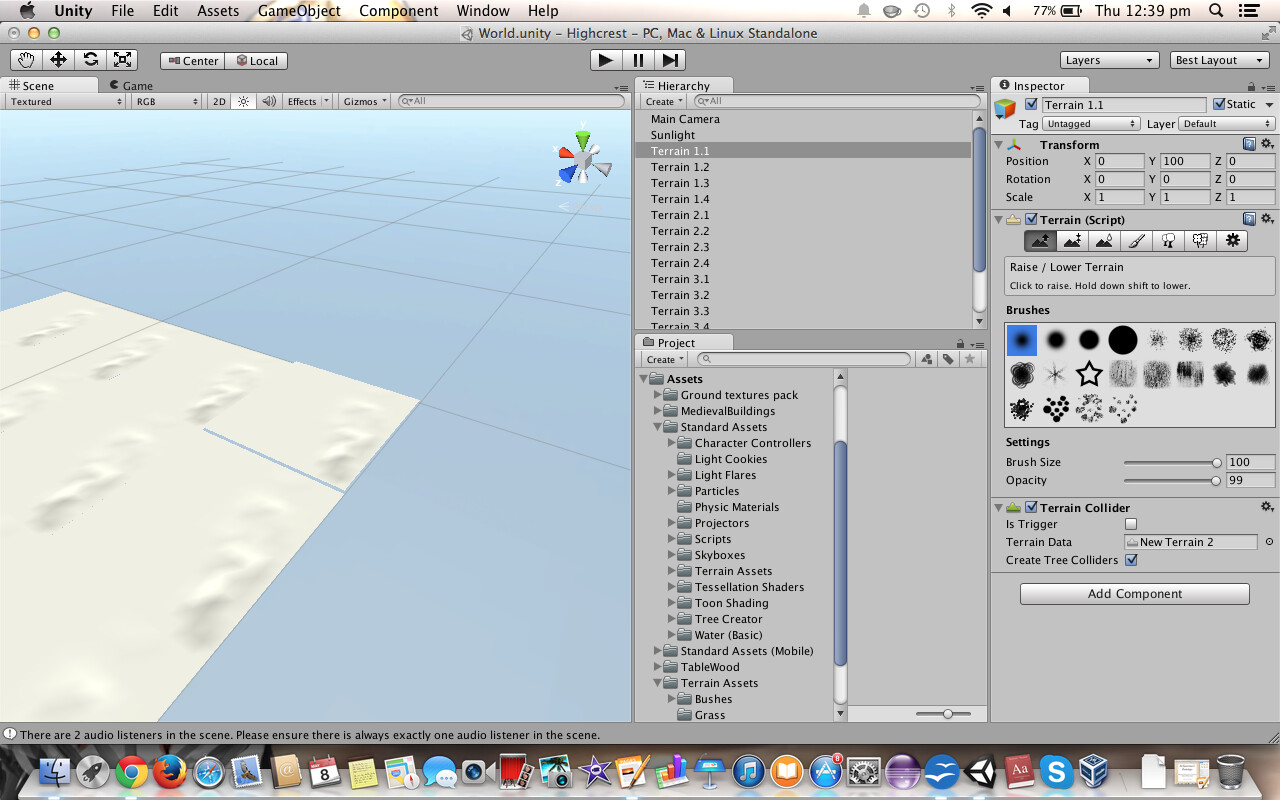
I am currently working on a project that has an open world - so the terrain is 20,000 x 20,000 in size. For some reason, I am not able to paint textures or even change terrain height in great detail. The smallest brush size - 1/100 - is extremely large (and square in shape). How can I change the paint texture / edit terrain brush size settings to allow for the same detail which I find is available on smaller terrain sizes?
NOTE: In the picture, there is a building within the small group of trees - the first person controller is able to fit inside this building. That blue square is the paint tool at 1/100 brush size!
As for the your problem, which isn’t actually a real problem:
You only changed the size of the terrain in world units, not the resolution which is dividing the whole terrain into polygons.
If you change the heightmap resolution, you will be getting a smaller brush.
However, you might want to use several terrains as one big terrain is not very efficient as far as i know.
Thankyou people! I will change that now. I will return the terrain size to 2000 x 2000, then just make a few terrains. However, the only reason I didn’t do that in the first place is that if I, say, increase height on the edge of one of them, I have to then mimic that same height change on the edge of the other terrain, which is very difficult, and often results in the terrains not lining up, and there are big gaps where the player can fall through. Is there a way I can stop this from happening (e.g, a tool that mimics the changes to make the map ‘flow’)?
I’m trying to make a large open-world map that would take a long time to cross. What if I used multiple terrains that were 4000 x 4000 in size (then I would only need 25 of them)?
Does Stitchscape mean that I can edit them just like one big terrain? Also, do I have to edit the terrains before I stitch them together, or can I continue to edit them after I have stitched them together?
But won’t I have the same problem as before with the smallest brush size being way too large? For now, I’m going with 16 4000 x 4000 terrains to make a 16,000 x 16000 total.
You still edit them as separate terrains; Stitchscape alters the heightmaps so the terrains match. You can continue to edit afterwards (and stitch again if needed).
Create new terrains rather than duplicating an existing one.