I’m making a 2d game with URP. I’d like to write a cel-shading shader using ShaderGraph, but how can I get the 2D light information in ShaderGraph?

Normal shading like that is so boring!
There’s a good vid that explores 2D and lighting, might be useful
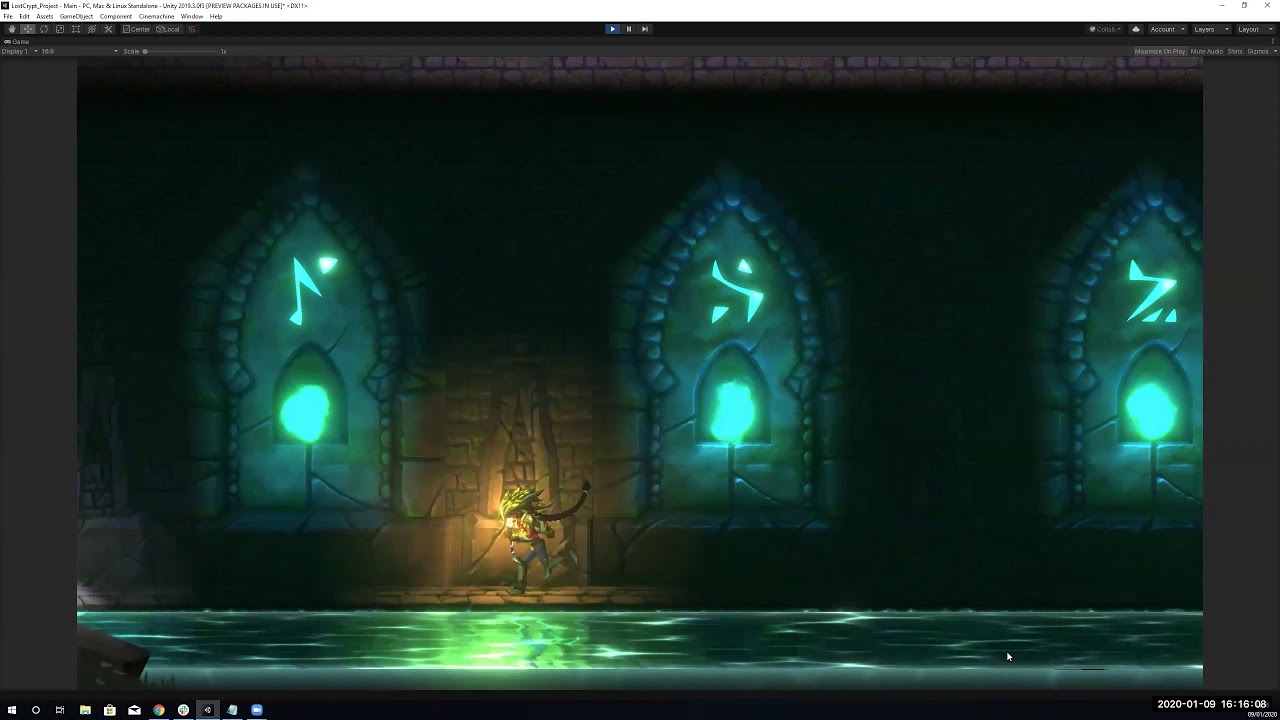
Thank you, I’ve found it impossible to get 2D-light info, because 2D light was rendered after sprites.
So I extended URP’s 2D light Shader&Editor, added cel-shading to it, now my 2D meta-balls rendered like this:

Hello, we seem to be having the same problem.Can you talk about how to solve it in detail?Thank you!
Interested as well, @xzaxzaazx
@xzaxzaazx I’m also interested. Although I doubt you still visit these forums.
@sam20191123 , @frulica , @gregtom7
Changing the shader shouldn’t be necessary any more because it’s now possible to get access to 2D Light textures in Shader Graph.
Here’s a very simple example:

The key thing is to sample the 2D Light Texture (only available in Custom Lit shader graphs!) using the ScreenPosition for its UVs.
In this example, we have a float LightResponsiveness which is a float from 0 to 1. At zero, the sprite behaves like an Unlit Sprite. At one, the sprite is like a Lit Sprite.
To get the cell-shaded look of the OP, you’d need to modify the light texture colors, following a cell shading tutorial.
3 Likes
This is kind of wrong, you can sample the 2d light textures and shadow textures with regular “Sprite Lit” shaders. The difference is with sprite custom lit shaders, you need to apply normal mapping per light blend mode manually(version 2023.1.b04)
1 Like
Well it’s also not exactly true because there’s also Custom Functions 