Hi! I’m trying to make a cube or mirror that can reflect my entire 3D world (and then add a script that when colliding with the wall, it makes you seem like you go through it, but it just turns you around). Is there any way to reflect this entire world in like 4 3D cubes as mirrors? (I already tried perspective and orthographic mirrors on different FOV settings and it seems like nothing is realistic enough? Thank you so much for reading and have a wonderful day!
maybe this could work, is a bit old and some of the words are changed to mean something else now but this should work with URP
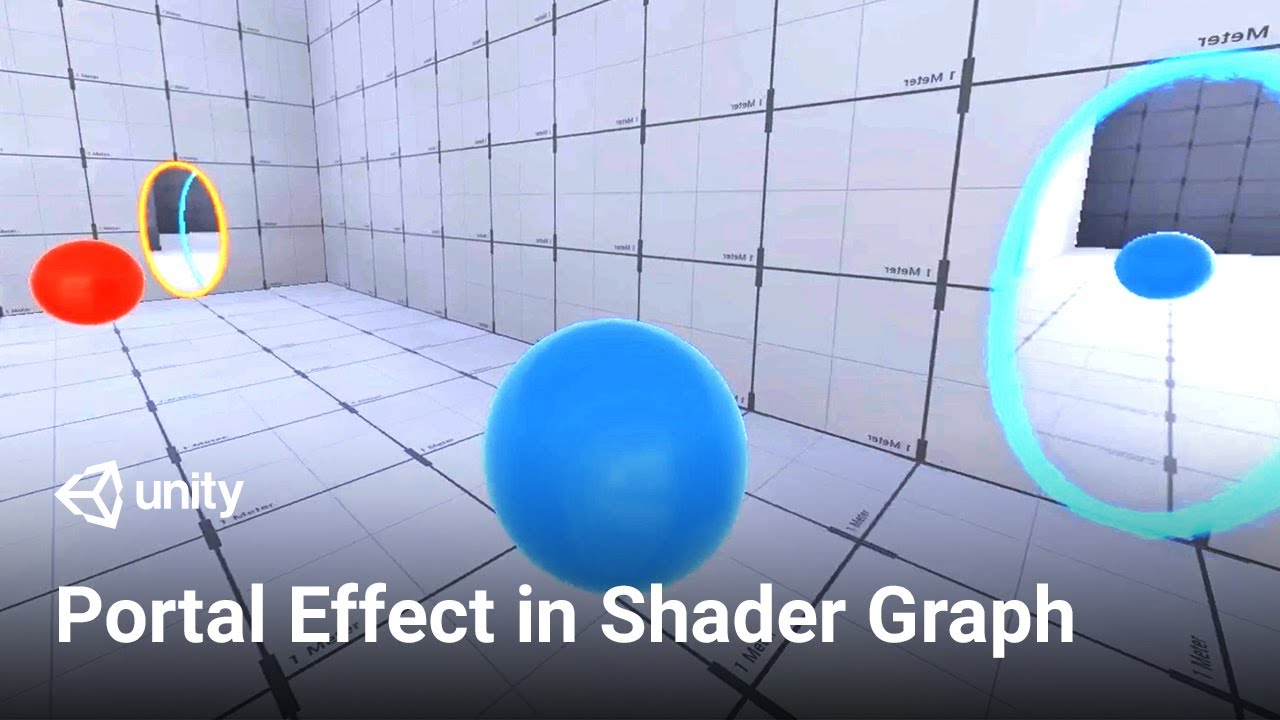
This would work perfectly! Only problem is that I genuinely don’t know how to use this tutorial to actually PUT the portals in my game 
what do you mean? just follow the tutorial and create a material and add it to a plane.
Note that this isn’t a “reflection” like a mirror, it’s a portal, a see-through window to another location in space.
In that sense the basic ingredient is rendering another camera to a rendertexture and then show that rendertexture whereever the portal is supposed to be. You can put the rendertexture on a quad for a quick rectangular test.
The portal shader effect probably works this way but also provides the ellipsoid masking to more “naturally” blend the rendertexture with the surrounding world.
You can use the same technique to create a mirror (reflection) effect though, you’d just have to place the rendertexture exactly on the camera position (minus perhaps move it back a few mm to prevent z-fighting) and make it face the same direction as the camera.