I checked some SRP examples, but they don’t seem to align well with HDRP. I tried:
context.cmd.SetViewProjectionMatrices(view, projection);
context.cmd.SetGlobalMatrix("LightVP", lightVP);
but the texture looks very strange.
This was captured from the original camera’s perspective, so it seems that the above didn’t transform to the light‘s perspective.
more details : TransformWorldToShadowCoord function in HDRP? - #18 by xiaxiaoshu
I went through some posts and believe I may have found a potential approach—using a different camera within a Custom Pass to capture the buffer. I referred to this project: HDRP-Custom-Passes/Assets/Scenes/CameraDepthBaking at master · alelievr/HDRP-Custom-Passes · GitHub
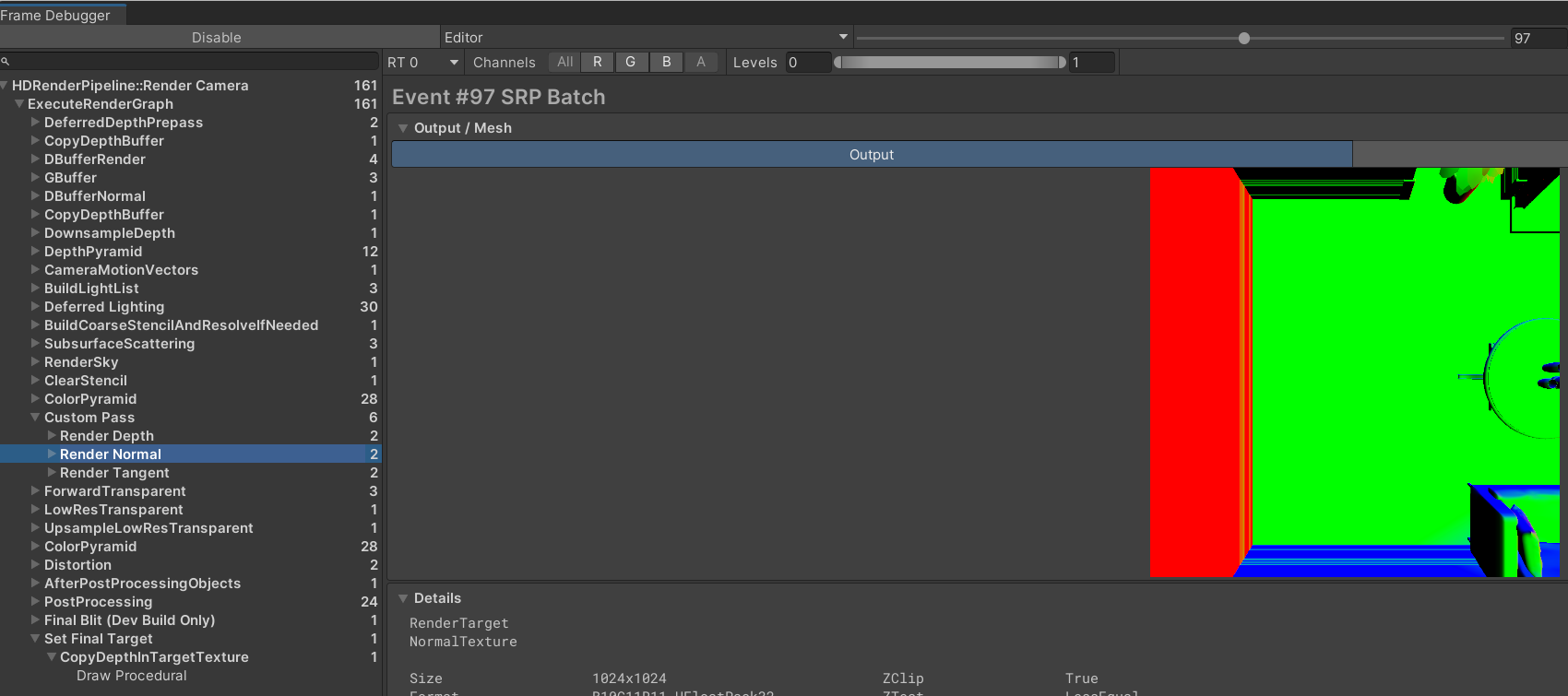
I copied the CameraDepthBaking folder from that project. While it runs perfectly in Unity 2022.3.17, it doesn’t work at all in version 6000.0.29—so maybe it’s a bug?
@antoinel_unity Can you please give some input on this? Would really appreciate it, thanks!
Render Normal in Unity 2022.3.17,
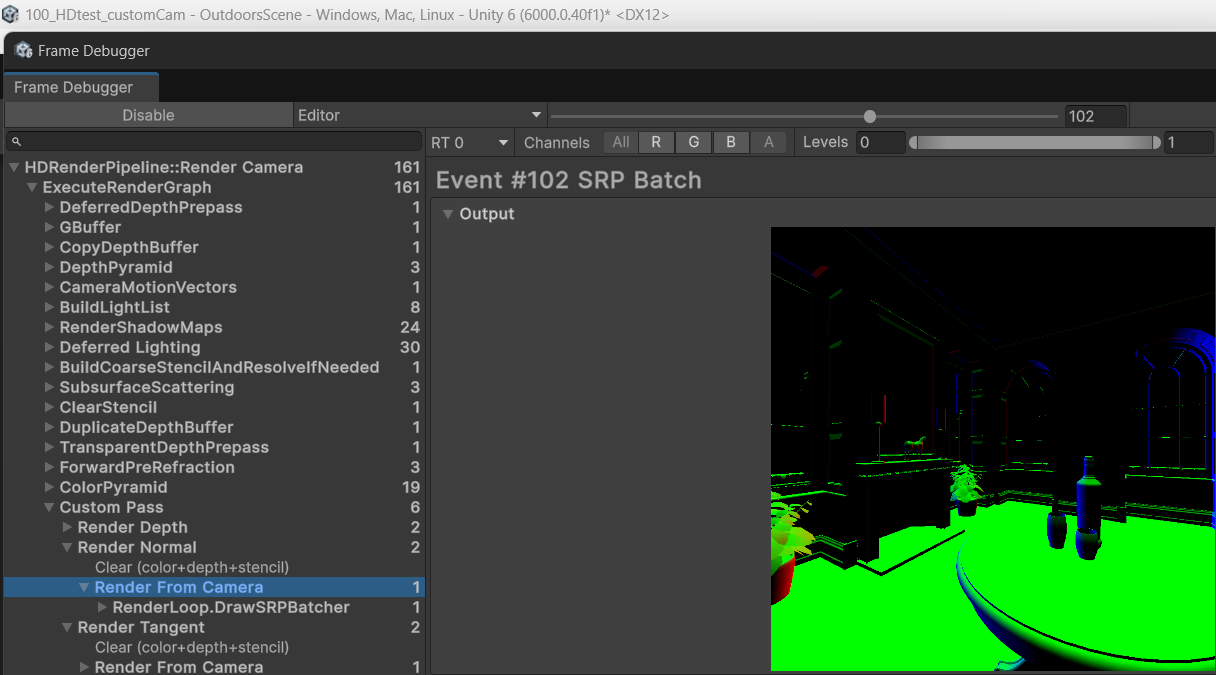
Render Normal in Unity 6000.0.29, the camera is still the main camera , not override.
I also tried Unity 6000.0.40f1 LTS, and it still doesn’t work either.
Hello,
This is indeed not compatible with SRP, that’s why we added the override camera API in the CustomPassUtils class.
I tried the HDRP Custom Passes repository with the 6000.0.35f1 and it seems to work.
Did you use a different setup when you copied the custom pass to your scene? Maybe different override camera parameters?
Stupid me, I didn’t realize the scene was already modified. Thank you!