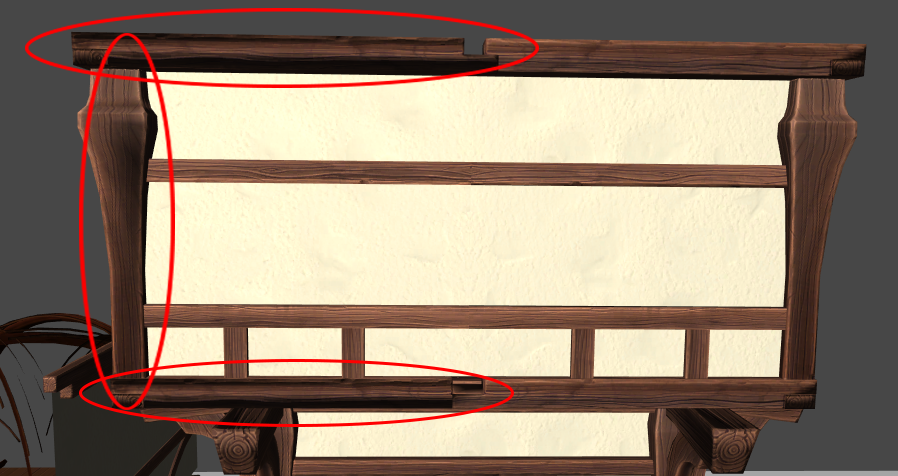
I’ve run into a problem with a mesh which I need to resolve, when taking a Prefab and setting the transform to X=-1 the objects normals appear flipped and darker, as shown below
Is there a solution to this issue that does not involve creating a new shader and getting the shader to invert the green channel of the normal map? Doing it through a shader will be very expensive, as I have dozens of shader balls and many objects that will be mirrored.
I’m hoping for something to work either at run time or a batch process to fix all flipped normals for mirrored objects; it does not need to fix it in the viewport while I am placing assets.
Applying a scale of x=-1 does not mirror an object, it turns it inside out, which is why you see flipped normals. The normals are not flipped. Instead you are seeing the back surface of the object. The renderer has culled the triangles at the front of the object which now face away from the camera.
Imagine a unity square with vertices ABCD, oriented clockwise. Scaling by x=-1 causes these verts to be oriented anti-clockwise, which means the square has been inverted.