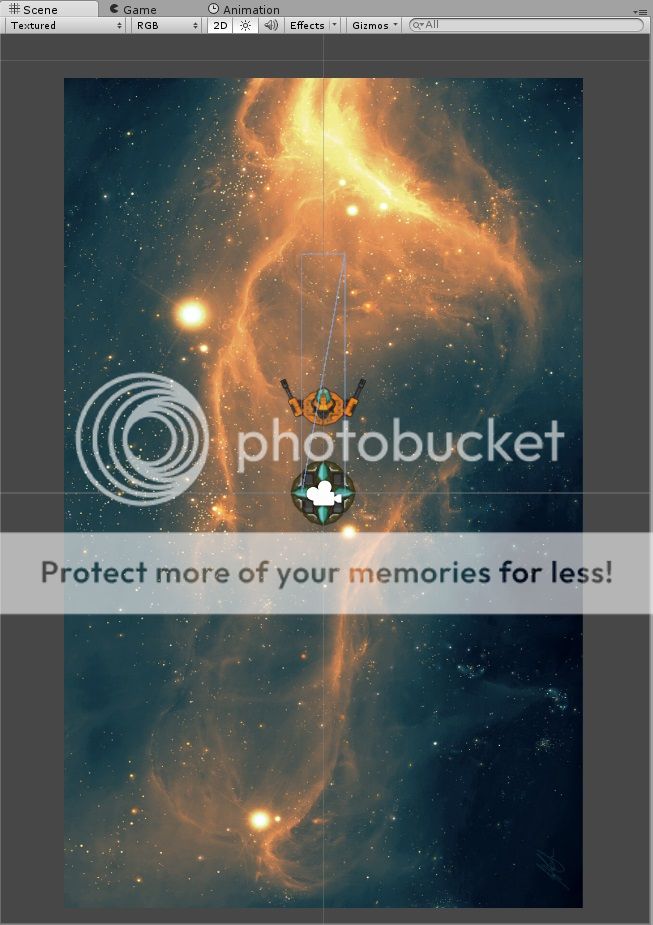
I am working on a 2D project and I have a line renderer component on one of the game objects. The problem is that the line renderer’s rotation is different to that of the scene (image is shown below). As you can see the width of the line renderer is rotated with respect to the background and hence the camera only sees the ‘knife edge’ of the line renderer. To see the line renderer I had to switch to perspective mode. I tried changing the rotation of the object that the line renderer is attached to but it doesn’t make any difference. What do I do to make the line rendere visible in orthographic view?

Here is the orthographic view where the line renderer is not visible