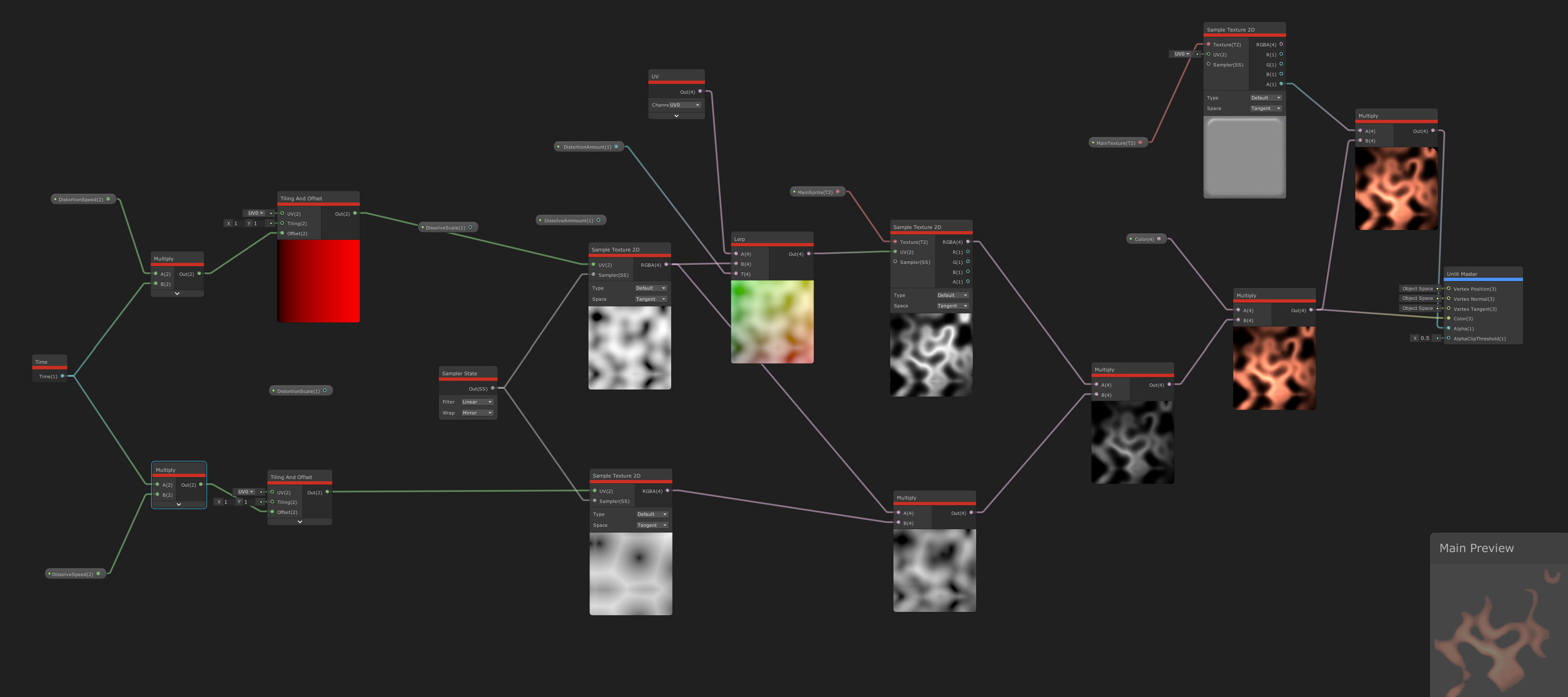
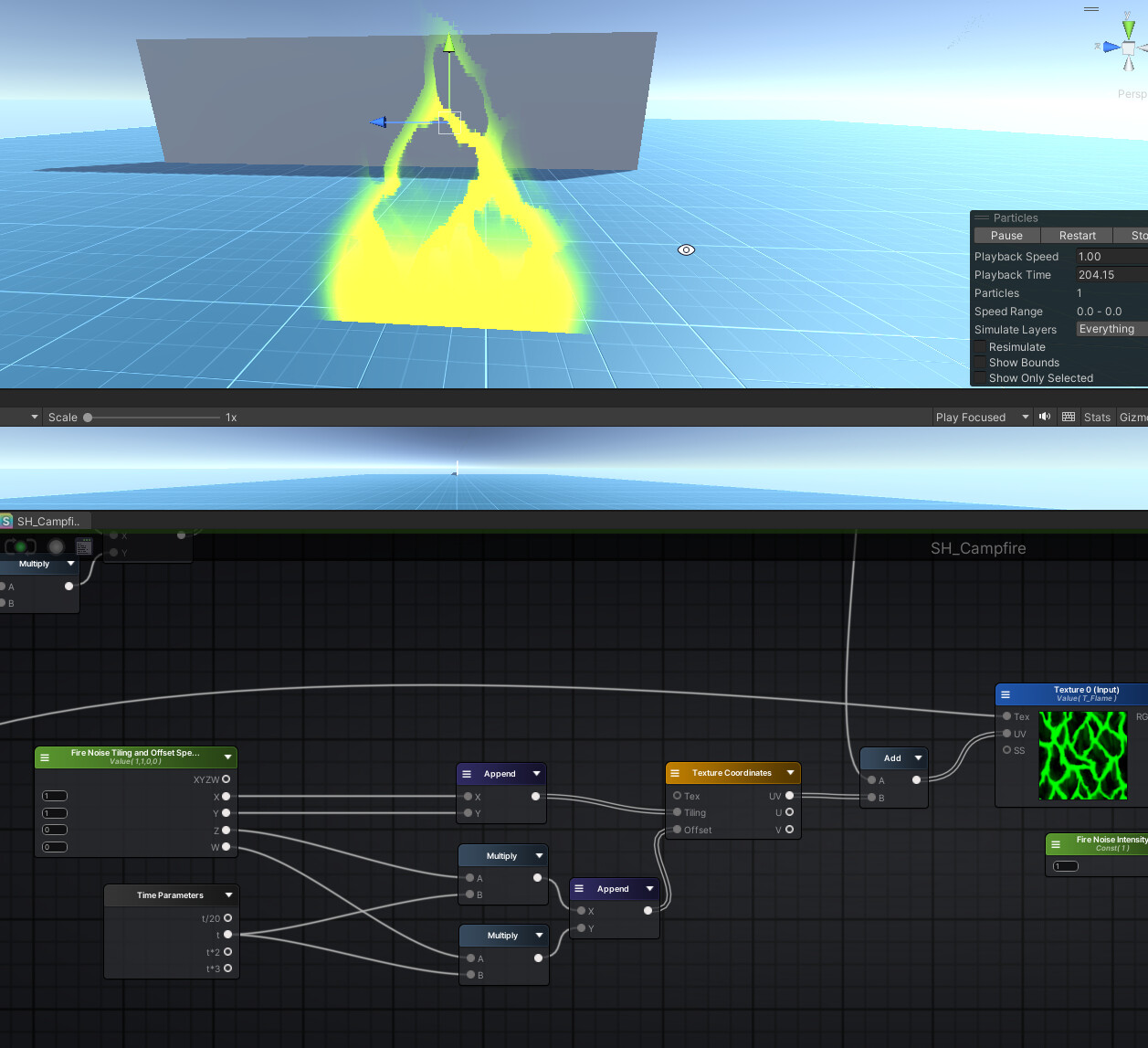
I have made simple shader-graphs to use in my game they work perfectly on PC, Android, Mac on even really old devices, but when it comes to iPad, things become weird.
On iPad (Pro):
All gameObjects that use shader-graphs gradually lose quality a bit by bit until eventually (after few minutes) appear very bad. Check the difference between the same shader:
Both are the Same Prefab Left: when the game starts. Right: after few minutes of playing.
Note: It’s not only this shader, all shader graphs lose quality after few minutes! Something worth noting though: i set all nodes’ precision to half to make the shader less expensive.
I tried All LTS versions of Unity, all seem to behave this way!
Your use of Time is the problem. When using half precision instead of full precision as the resulting UV values becomes larger the precision (the minimum difference between two values which can be represented) reduces faster than with full precision.
In general you should avoid using an ever increasing value as an input and instead use one which loops around at some point, because even with full precision you’ll eventually hit the same problem with large enough values, specially in situations where the game can potentially run for very long time periods without being restarted, like on mobile, Nintendo Switch, and Xbox Series game suspend feature.
Oh, i think it goes like this mod(time, 1000) this would output from 0 to 999, and when time passes 1000 seconds the output would go back to 0 and repeat, right?