Hi everyone,
We’re excited to announce the first Unity 6.2 beta release, with a continued focus on Engine stability and performance, and invite you to try the new features we’ve rolled out. Your feedback is important to getting Unity 6.2 production-ready. We value your input and will have a team of engineers and customer QA folks available here on Unity Discussions to engage with you.
Introducing Unity AI

With the Unity 6.2 beta, we are introducing Unity AI – our integrated suite of AI tools designed to assist with your development workflow directly within the Unity Editor. When Unity 6.2 enters GA (general availability), Unity AI will replace both Muse and Sentis, providing improved features, better Editor workflow integration, expanded model choices, and more flexible pricing.
Note that all Unity AI features are completely optional to install and use.
Unity AI consists of three main components:
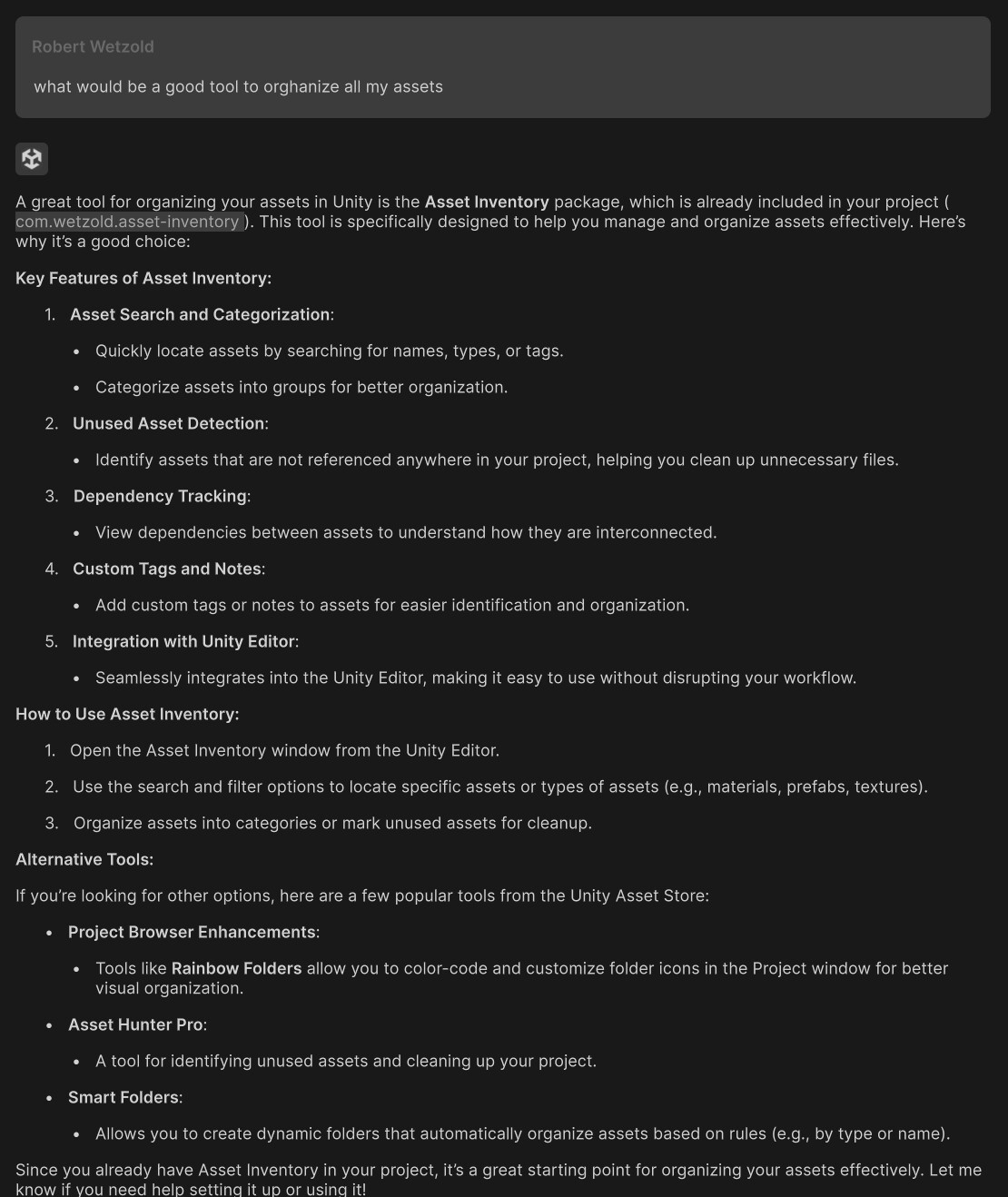
- Assistant – A contextual helper that answers questions about your project, generates pre-compiled code, and can execute agentic actions like batch renaming files or placing multiple objects in a scene. Drag project assets into prompts or query selected console errors. Assistant replaces Muse Chat.
- Generators – Improved tools for creating sprites, textures, animations, and new sound generation capabilities. Generators publish directly into supported Unity assets for a seamless workflow. Generators replace Muse Sprite, Texture, and Animate
- Inference Engine – Inference Engine continues to focus on local AI model inference performance gains for unique runtime experiences. ML-Agents will be updated soon to be compatible with Inference Engine. Inference Engine replaces Sentis.
Interested in trying Unity AI? Here’s what you need to know:
- In-Editor installation – Install Unity AI through the “AI” button at the top of the Editor after downloading Unity 6.2 Beta, and reference our documentation to get started.
- Free during Unity 6.2 beta – All users who install Unity AI will receive free Unity Points to try the features. Free points will expire at the end of the beta, when Unity AI will transition to a paid Unity Points model.
- Data usage and privacy – When you use Unity AI during this initial Unity 6.2 beta release, data related to your use of Unity AI including prompts, responses, and interactions will only be used to provide the AI service for your exclusive benefit, and will not be used for model training purposes. For example, if you upload a reference image to generate a truck sprite, we do not use your source image to train or improve the generative image model. In a future Unity 6.2 beta release, you will be able to manage your data settings, including whether to share your Unity AI data for AI model training purposes. We will share an update here at that time.
- Regional Availability - Unity AI is available in most global regions, but currently unavailable in certain regions, including Russia and China. For Unity customers located in China, please refer to this announcement.
For complete details on Unity AI features, the transition from Muse and Sentis, and information for existing Muse subscribers, please visit the Unity AI FAQ.
Other highlights

- Mesh LOD – Automatically generate levels of detail (LOD) at import, optimizing assets and reducing iteration times without the need for external tools. By storing all LODs within a single Mesh, it minimizes memory usage while simplifying workflows for both static and skinned meshes. Ideal for high-poly models, it ensures seamless scalability and improved performance. See our dedicated Discussions topic for more information.

- World Space UI for UI Toolkit – Render UI directly in world space for immersive XR and gaming environments to power richer UI experiences.
Try Unity 6.2 Beta
Unity 6.2 beta provides an opportunity to evaluate these new tools while providing valuable feedback on how they can better serve your development needs. Check out the release notes for a comprehensive list of features.
Download Unity 6.2 Beta
Our alpha and beta releases are open to anyone, so no signup is required. Get started by downloading them from the Unity Hub. Because there may be feature stability issues with early test versions, we do not recommend them for projects in production, and we highly recommend that you back up any project before opening it with an alpha or beta release.
As a reminder, Unity 6.1 remains the current Supported Update release during this beta period. When Unity 6.2 enters GA (general availability), it will become the only Supported Update release.
Through the 6-2-beta tag, you can hear about further announcements, and discuss the 6.2 Beta with us and the wider community on Unity Discussions. Our goal in sharing beta versions is to identify and resolve any remaining issues to improve overall quality before the official release.
We will announce all 6.2 beta releases in our dedicated release announcements topic here on Unity Discussions. You can choose to receive notifications for new 6.2 beta releases via the bell icon on the right.
If you have any questions or other feedback regarding the beta and its features, be it positive or negative, please let us know about it.
Thanks for participating in the beta!
Latest Release
6000.2.0b12
6000.2.0b11
6000.2.0b10
6000.2.0b9
6000.2.0b8
6000.2.0b7
6000.2.0b6
6000.2.0b5
6000.2.0b4
6000.2.0b3
6000.2.0b2
6000.2.0b1