Hello Unity Community!
We’re so excited to finally release Unity’s Graph Toolkit (GTK) as an experimental package today as part of Unity 6.2’s Supported Release! For those that haven’t seen it, this is a continuation of our conversation from last month.
We appreciate all of your continued interest and feedback during the development process. You have all helped inform how we’ve built GTK and how we plan to evolve it moving forward.

Who is this for?
Graph Toolkit allows you to create visual custom graph tools, and is a powerful addition for anyone who needs to simplify complex systems, optimize production pipelines, or empower non-coders to add or edit content in a visual and intuitive way.
This is the very same set of tools we’re using internally to create features such as our new animation system, and we wanted to put that functionality in your hands.
Why use GTK?
With GTK, building graph tools is faster and easier than ever. In fact, our early testers found that they were able to implement solutions 2x faster with GTK than previous solutions using GraphView!
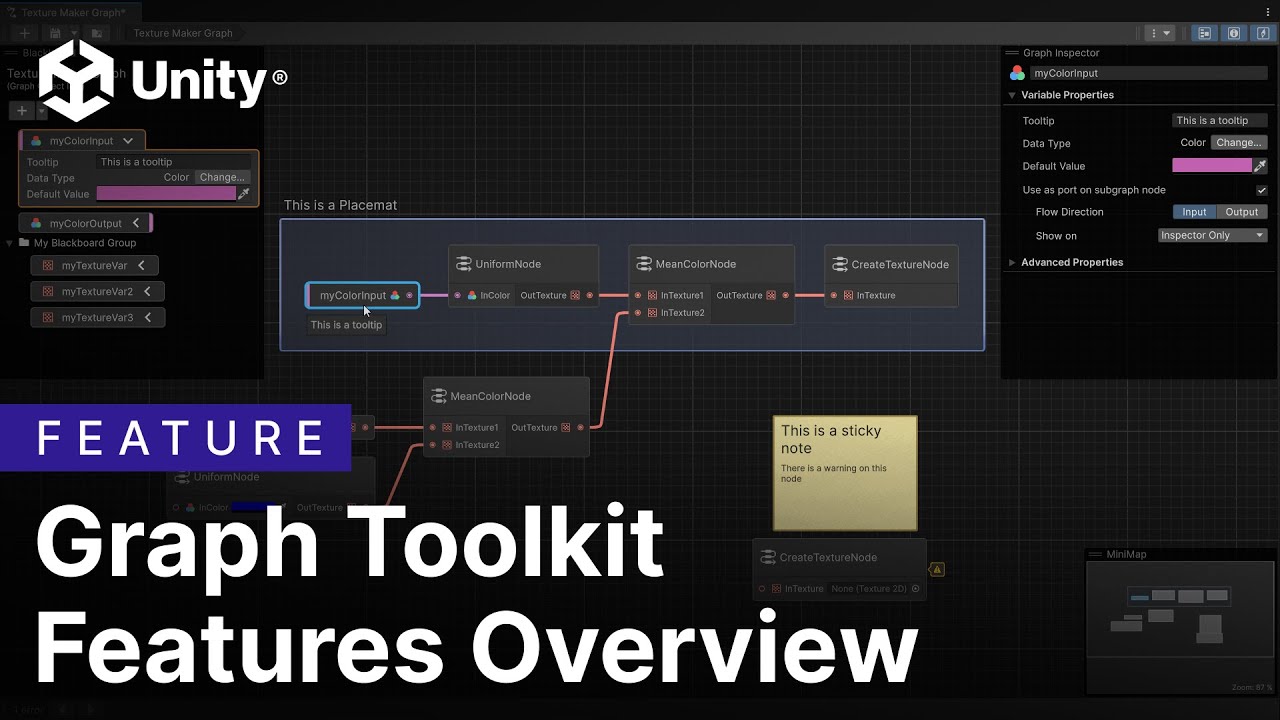
Compared to GraphView, which is an UI library, GTK is a framework with a richer set of features, handling more for you by default including serialization, undo/redo, and much more. For a detailed breakdown of every feature we currently offer, as well as its out-of-the-box end user experience, please check out our YouTube video of Graph Toolkit Features Overview here:
Resources
Ready to dive in? Ensure your project is using Unity 6.2 and then open Package Manager → Click the + Button → Select “Install package by name…” → com.unity.graphtoolkit
To help get you started, we’ve included 2 Samples to showcase how you can connect the graph UI to a runtime execution. You can directly download it from the “Samples” tab under Graph Toolkit in the package manager. For additional information, check out our documentation page to start building or upgrading your custom graph tools today!
What’s Next
As this is the first experimental release, we focused on providing a core set of functionality to get a graph started quickly. We have much planned from here, including:
- Support for vertical graphs/flow
- Additional node customizations
- Focus on stability
- … and much more!
Stay tuned and we will let you know when the next update is on its way!
Feedback
We’ve poured our efforts into making this a powerful and flexible tool, and we’re incredibly excited to see the innovative solutions you’ll create with it. Your feedback will continue to be extremely valuable as we evolve GTK’s functionality. Please continue to share your feature wishlists and needs. We document every request and use it to understand what matters to the community and to inform our prioritization process.
We encourage you to start dedicated topics for your questions and feedback about Graph Toolkit here on Unity Discussions by making use of the Graph-Toolkit tag.
To report a bug, please go through the built-in bug reporter tool.
Once you’ve had the chance to give GTK a thorough try, we welcome you to fill out this Feedback Survey.
Thank you for your patience and interest, we’re looking forward to your feedback!
Sincerely,
Eric Dziurzynski
Senior Product Strategy Architect
–
Edit: We have created a separate thread for release announcements and notes here: Graph Toolkit Package: Release Announcements and Notes
Please watch that thread to get notifications for updates!


