New technical e-book: Create popular shaders and visual effects in URP (Unity 6 edition)

Hey everyone,

A new e-book just dropped for those of you using (or planning to use) URP in your projects. Read on to get key details about the e-book, its companion collection of sample scenes, and a couple of great YouTube tutorials you might have missed.

The URP cookbook, now updated for Unity 6

First, we’re happy to announce that the e-book The Universal Render Pipeline cookbook: Recipes for visuals and shader effects (Unity 6 edition) is now available to download. Over 12 chapters, you’ll get all the steps you need to create visual effects in URP, with everything updated to reflect Unity 6 features.

The URP visual effects cookbook is aimed at intermediate to advanced Unity users. To get the most value from the guide, you’ll need to know how to develop a project in Unity, use URP features, and write HLSL-based shaders.


Get 12 recipes, including three new ones, in the latest edition of the URP cookbook

Whip up visual effects that you can use across many game genres and platforms


Examples of using procedural noise for a wood texture

The recipes in this book are for popular effects that you can further customize for your own game. Get the steps to create:

  • An x-ray-like image effect with stencils
  • A toon and outline shader with Shader Graph
  • Decals and an ambient occlusion effect with post-processing
  • A LUT image to add color grading to your scenes
  • Reflections and refractions
  • Water and volumetric clouds in URP
  • Optimized graphics with GPU instancing, SRP Batcher and the RenderMeshPrimitives API.

New additions to this guide include:

  • Two new recipes for procedural noise and compute shaders
  • A full revision of the aforementioned Toon shader
  • A section on how to implement Adaptive Probe Volumes (APVs), a quick and flexible alternative to light probes
  • Steps on how to use the new Render Graph API for creating Renderer Features

The sample scene collection

Along with the e-book, you can also download a new collection of sample scenes, one sample for each recipe. Each scene is ready for you to open in the Editor as you work your way through its corresponding recipe in the e-book.

The sample scenes are updated to make use of the Render Graph in Unity 6.

You can clone the sample repository from here, or download the code in a zip file and unzip it.


Each recipe is contained in a folder along with the steps and files referred to in this book.

URP tutorials

Finally, in case you missed them, there are two recently released URP tutorials on the Unity channel:

URP Quality settings: This video shows you where to find all of the configuration options available with URP, including those for URP shaders, render paths, shadows, global illumination, post-processing and Renderer Features.
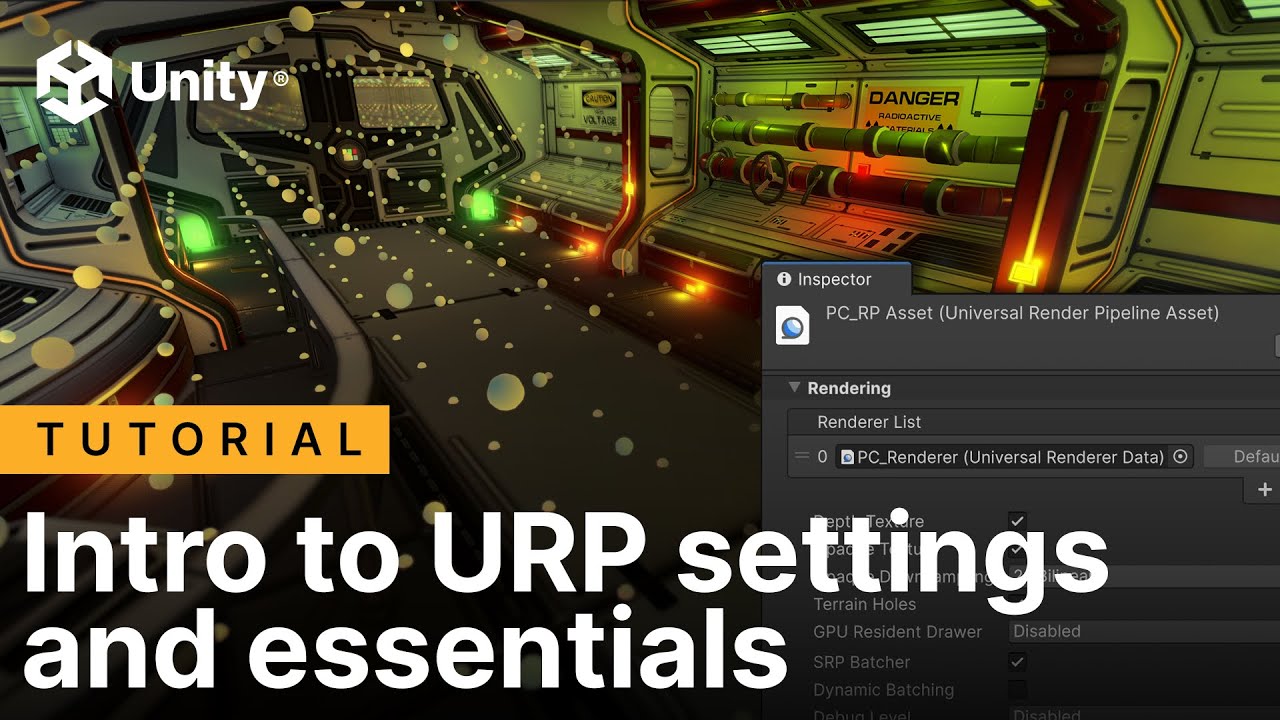
Introduction to the Render Graph in Unity 6: Render Graph helps URP optimize runtime rendering, making it more efficient to create your own performant features. In this tutorial, we create a dither effect Renderer Feature by using a Full Screen Shader Graph material with the optimized resource management available with Render Graph. You’ll also get introduced to the Render Graph Viewer.

Our new e-book joins the collection of URP resources created by multiple teams at Unity: the URP 3D sample, the e-book on URP for advanced Unity creators, Unite talks, and YouTube tutorials.

These diverse learning resources reflect the deep flexibility and broad applicability of URP. They’ll help you understand how to best use its many quality settings for your target platforms, its compatibility with systems like the VFX Graph, Shader Graph, Renderer Features, and Adaptive Probe Volumes, and optimization features, like GPU Resident Drawer and occlusion culling.

We hope you enjoy this latest edition of the URP cookbook!

If you have experience shipping projects with the Built-In Render Pipeline, and want to move to URP, start with these resources to get guidance on setting it up for a new project, or porting a project based on the legacy Built-In Render Pipeline to URP:

You can find all of the latest e-books for advanced developers, artists, and technical artists in the Unity best practices hub and the best practices resource section in Unity docs.

15 Likes

Also interesting for people developing with URP in Unity 6: New free e-book: Introduction to the URP for advanced Unity creators - Unity 6 edition

HDRP where? …

2 Likes

Always good to have more examples like this.

I think the current github shows up a Unity bug though. “SobelFilter Shading Settings_Renderer” is confusing as has multiple features under it in the project window but only FullScreenPassRendererFeature is used in the inspector - the other 2 are old and missing relevant scripts. This is a unity bug where removed features leave something behind.

Also having looked at outlines myself, doing a 3x3 (9 pixel) sobel filter (this one is less) for instance, soon shows the limitations of shader graph without using custom function nodes which greatly simplify complex operations - but you have to go in search of how to access things like the normal buffer this way, writing shader code in shader graph seems largely undocumented when it comes to reading from screen buffers. You could also add shader graph nodes for running a filter operation on a block of screen pixels or depth/normal values.

HDRP here, soon to be updated to Unity 6, will post about it soon Updated (Unity 2022 LTS ed.) - Lighting and environments in HDRP - 180 pages e-book, available now

1 Like

Thanks for flagging, I will try the steps on that chapter again and tweak if necessary. The recipes in the book are exercises to get familiar with the different possibilities in URP, but if you are interested in using a cartoon shader for production, I would recommend to keep an eye on this experimental package which is a very powerful cartoon shading feature: Unity Toon Shader (Unity-Chan Toon Shader 3) | Unity Toon Shader | 0.6.1-preview

1 Like

It’s not chapter steps, just a Unity bug visible in the github project - either from upgrading Project to Unity 6 or bug with removing renderer features in Unity 6. Old features are left in the project view under a Renderer, but invisible in the Inspector and selecting them will show broken script links. I think editing the asset file by hand is only way to clean up!

The stencil example is a long over due one for me (can these come sooner?!) but I had to implement already in a similar way.
Currently stencils are not well supported in URP as no support in shader graph and using Render Objects means there are short comings - for instance no SSAO in that pass.

Do you see better ways of dealing with the Stencil buffer coming in the future?

1 Like

The book is definitely useful for those working with effects, no doubt.
But some things still surprise me - like how you’re trying to work around your own ShaderGraph.
Instead of just adding a few lines of code to Shader Graph (instancing support and #pragma or srb batcher fix), you’re trying to hack around it.

2 Likes

The exercise is focused on shader code, that’s why but it could have been done with maybe a custom HLSL shader graph node. In general, the book shows ways to accomplish different common effects in games but more from an educational angle than solving a real production challenge. The topic of working with Shader graph and custom code it’s very interesting however, maybe content for a future video tutorial series on YT or articles here on discussion

Great resource, thank you!

Here are some little nitpicks/questions I had while reading and studying this :

Page 23, you mention an article about “Making Grass in Unity with GPU Instancing” with a link to that article. However, the website it points to (prog.world) seems to be on sale and the article doesn’t exist anymore. If somebody registers that domain with a malware, that could be bad ^^'.

Also, not directly related to the rendering part, but still for the “grass” example, in “grassfield.cs”, you do this (line 62):

if (_camera.transform.hasChanged) {
    UpdateCameraCells();
}

But you never set “hasChanged” back to false (like in the documentation: Unity - Scripting API: Transform.hasChanged). Adding

_camera.transform.hasChanged = false;

seems to boost the FPSs even more, but since I discovered “hasChanged” while reading this, I don’t know what to think about that. Is it a happy little mistake, or am I missing something?

Other than that, this book have been very helpful so far to understand all the tools Unity provides, that’s really, really awesome, great job to everybody involved =)!

1 Like

ah thanks… we will revist this in the next edition. We focused on graphics more than anything regarding the hasChanged.. but we will update it in the next one. thanks for sharing

I don’t know, what’s “popular” now, but i don’t see Bloom with Render Graph anywhere. They show that they have “Bloom” in “Volumes”, but i don’t see one.
And i need a custom bloom for my project. I need to be able to select a list of objects to contribute to bloom. Please help.