Hey everyone,
A huge e-book update is available now. The comprehensive official HDRP guide just got a huge update including updates in Unity 6 (6.1 to be precise)
In Unity 6, the High Definition Render Pipeline (HDRP) delivers physically accurate lighting, high-fidelity materials, and cinematic effects to make your scenes more immersive.
This is the fourth edition of our HDRP guide, now covering all the capabilities included in HDRP in Unity 6 and 6.1. Use it together with HDRP documentation to get all the know-how and inspiration you need to create beautiful visuals in projects targeting high-end consoles and PCs.
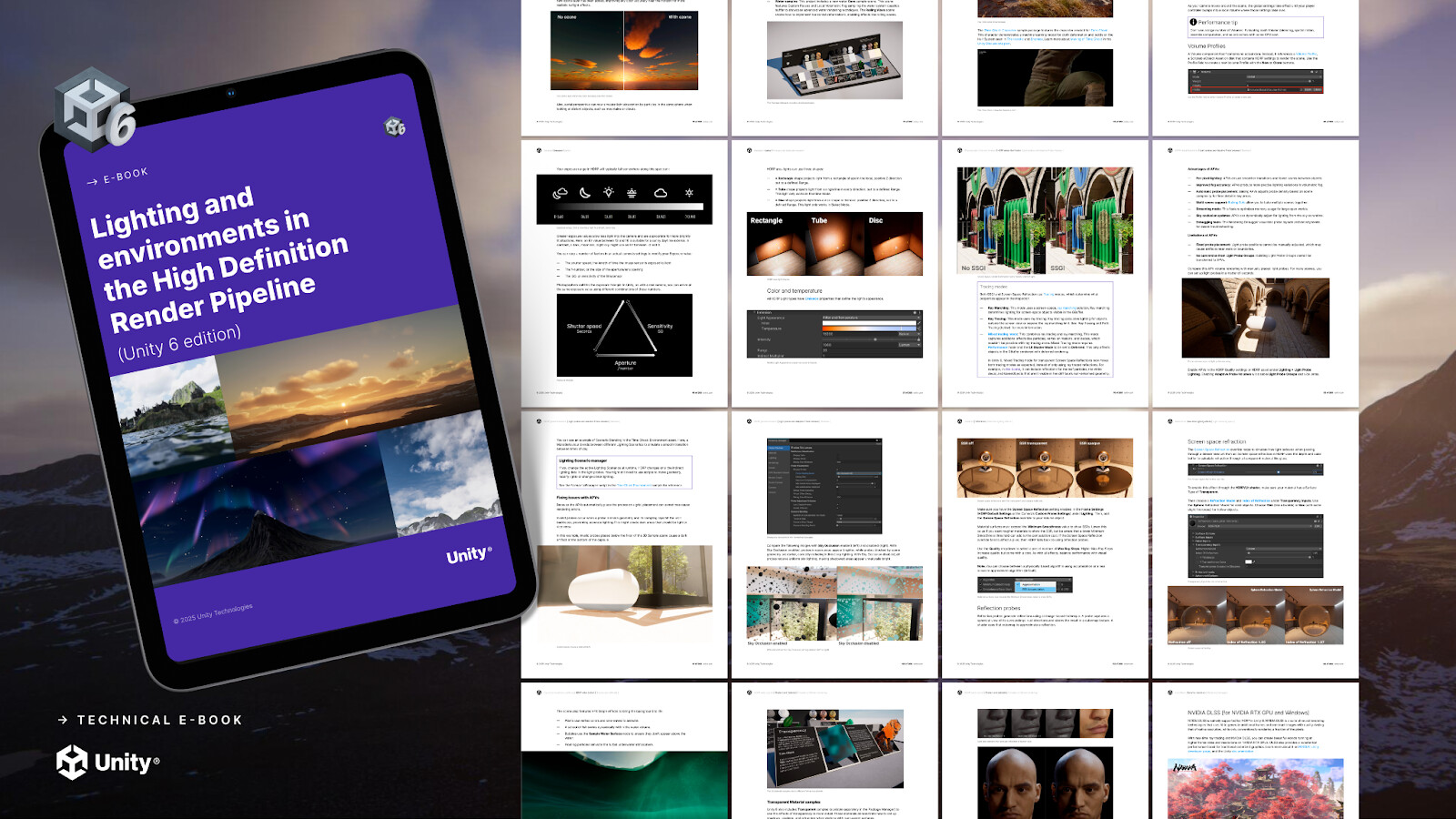
All of the HDRP updates in Unity 6 and 6.1
Here’s a sample of some of the Unity 6 features and systems covered in the book:
-
Lighting: The LightBaker v1.0, a GPU Baking Profile for the GPU Lightmapper, Adaptive Probe Volume (APV) updates, Area light improvements
-
Environment effects: Planet parameters, Physically Based Sky Volume, volumetric clouds, updates to the water system
-
Performance and optimizations: Dynamic resolution, GPU Resident Drawer, variable rate shading (VRS)
-
More updates: For the Package Manager samples, as well as lens flares, hair, and fur
Use the HDRP e-book as a modular reference guide
Our Unity 6 guide is designed to help you navigate HDRP’s extensive set of tools. You can jump directly to a topic of interest, whether it’s lighting, environment effects, rendering techniques, or optimization strategies.
While each chapter is standalone, note that many topics are interconnected. For example, HDRP’s lighting system spans multiple sections, covering physical light units, Volumes, and post-processing techniques.
Similarly, environment-related features like terrain, water, sky, and fog systems, often work together to create immersive worlds. To get the most out of this guidebook, try exploring related chapters together for a more complete understanding of HDRP’s capabilities.
HDRP extends Unity’s existing lighting system with a variety of features to make rendering your scene resemble real-world lighting, and this guide covers them all. But as a nice introduction, let’s focus on what we added for Unity 6 and 6.1.

